
Sharing wedding photos on WhatsApp: limits and an alternative
A WhatsApp group after the wedding means 500 photos in bulk. Why they get lost, what WhatsApp does well, and how to let each guest find their photos.
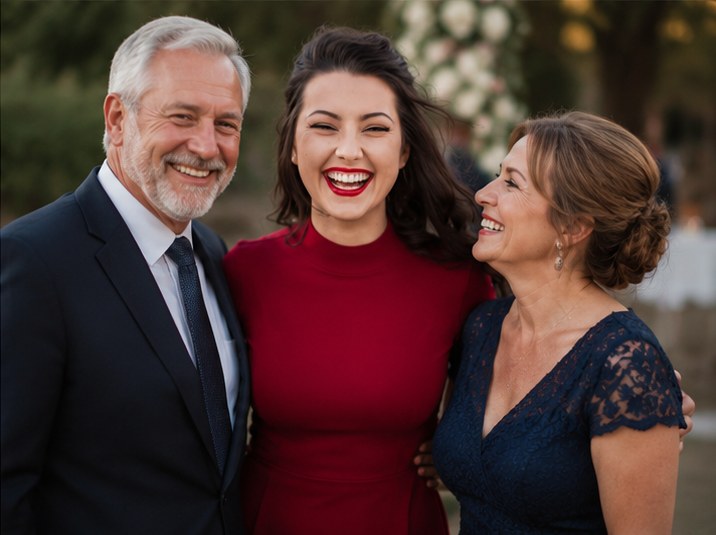
WhatsApp is handy for sending a few photos to relatives, but a wedding group mixes photos and chat, compresses images by default and doesn't let you find your own photos among hundreds; CéSAR Photo gathers the photos in a dedicated gallery where each guest finds theirs with a selfie and can download them in original quality.
| Criterion | CéSAR Photo | |
|---|---|---|
| Price | Free, then €49 per event | Free |
| Selfie-based photo sorting | Yes, by selfie | No |
| Photo quality | Original photos kept (HD on CéSAR One) | Compressed when sent by default; sending as a document keeps the original (up to 2 GB per file) |
| Finding your photos | Selfie: only the photos the guest appears in | Scrolling the chat thread |
| No app for guests | Yes (browser) | WhatsApp app required |
| Photo storage time | 30 days (free), 12 months (paid) | As long as the history is on the phone |
The differences in detail
The problem with a WhatsApp group isn't sending but what comes after: the wedding photos drown between congratulations, the same shots arrive twice, and a guest missing from the group receives none. Finding the photo you appear in means scrolling through hundreds of messages. A dedicated gallery separates the two uses: the conversation stays on WhatsApp, while the photos live somewhere organized where selfie search does the sorting.
When to choose WhatsApp
Keep WhatsApp for day-of messages, organization chat and quickly sending a few photos to close family. To send a shot in full quality, use the “send as document” option.
When to choose CéSAR Photo
Switch to CéSAR Photo as soon as the photos exceed a few dozen, when the photographer delivers their gallery, or when your guests aren't all in the same group: a single QR code on the tables is enough, and everyone receives only their own photos.
Frequently asked questions
What is the best alternative to WhatsApp?
To avoid receiving 500 photos in bulk on WhatsApp, use a dedicated gallery with selfie search such as CéSAR Photo: guests scan a QR code, find their photos and download them, with no chat thread to dig through.
WhatsApp or CéSAR Photo: which is cheaper?
WhatsApp is free. CéSAR Photo is too for trying it (1 event, 100 photos, 30 days); for a full wedding, CéSAR One costs €49 per event, with no subscription.
Sources: blog.whatsapp.com (file sharing up to 2 GB) and faq.whatsapp.com, accessed October 5, 2026. CéSAR Photo is our own product: this article applies the same criteria to both solutions and states the limits of each.
Compare for yourself
Create a free CéSAR Photo gallery, import a few photos and test selfie search before you choose.
Discover
Read also
Best wedding photo-sharing apps in 2026: 8 solutions compared
CéSAR Photo, Evokly, Keep Pics, Fotify, GuestCam, Gathmo, WedShoots and Google Photos: prices, face recognition, app required, storage time. Which option for which wedding?
Read the articleBest face recognition photo apps for events in 2026
CéSAR Photo, Evokly, Keep Pics, GuestCam, Waldo, FotoOwl and PiciMe: how each guest finds their photos with a selfie, at what price and with what safeguards.
Read the articleBest shared photo albums for a wedding in 2026: how to collect guests' photos
Google Photos, a WhatsApp group, WedShoots, Gathmo, Fotify or CéSAR Photo: which shared album to gather guests' photos, and how each finds theirs.
Read the article